Modes
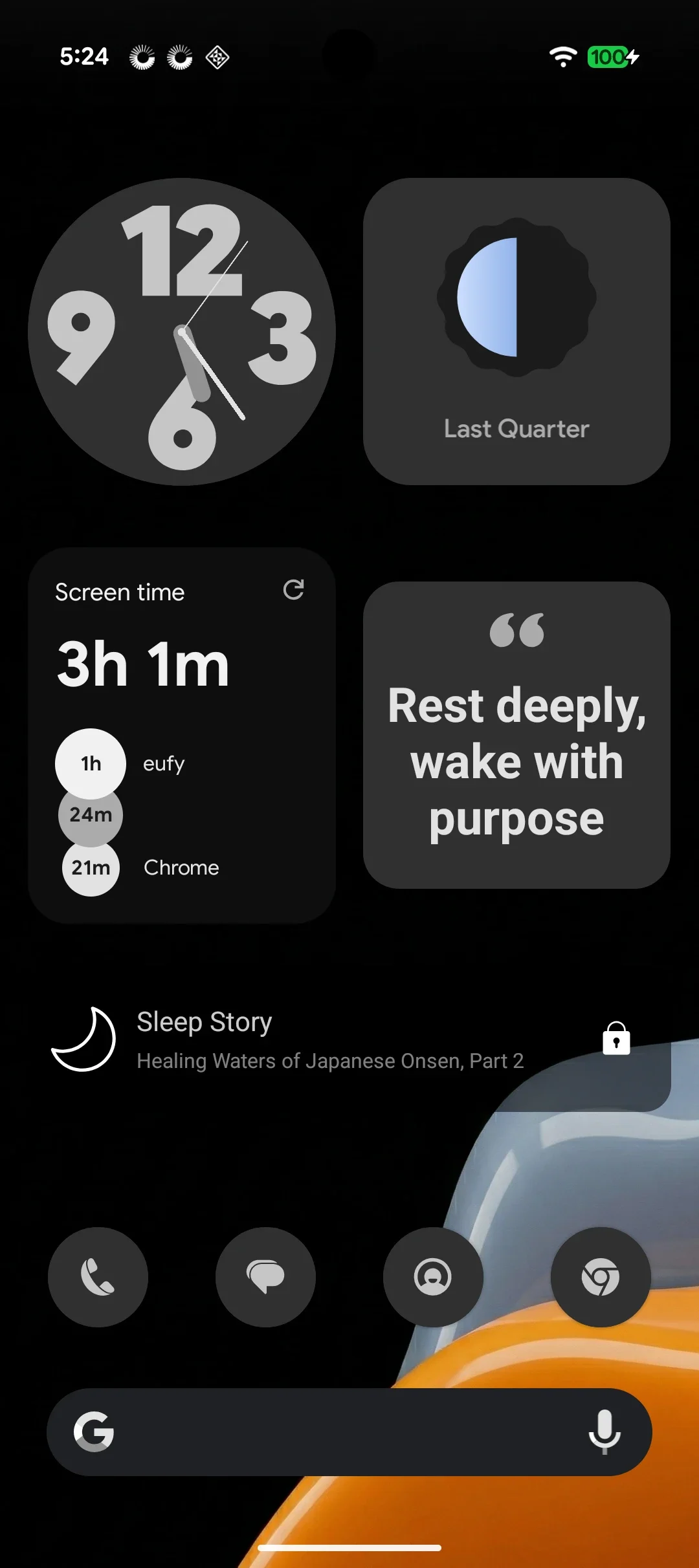
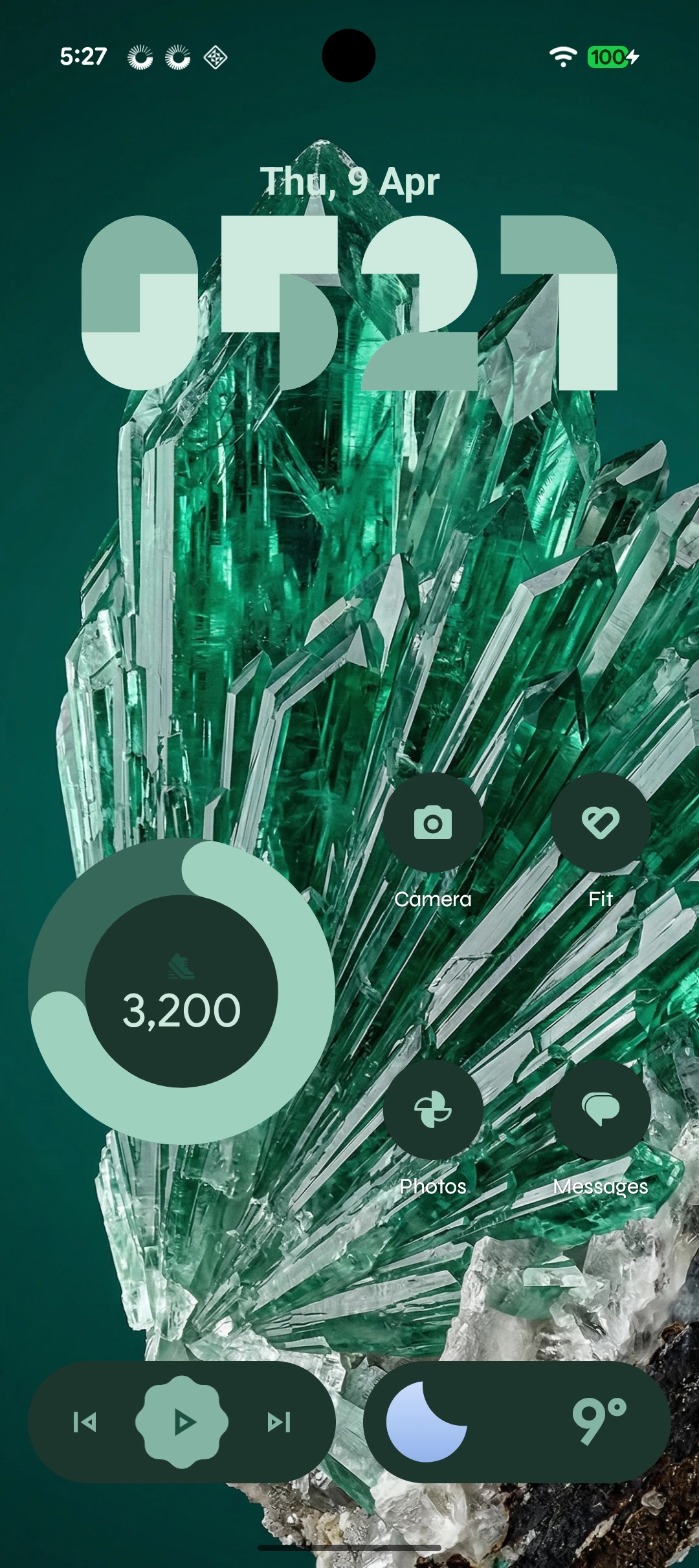
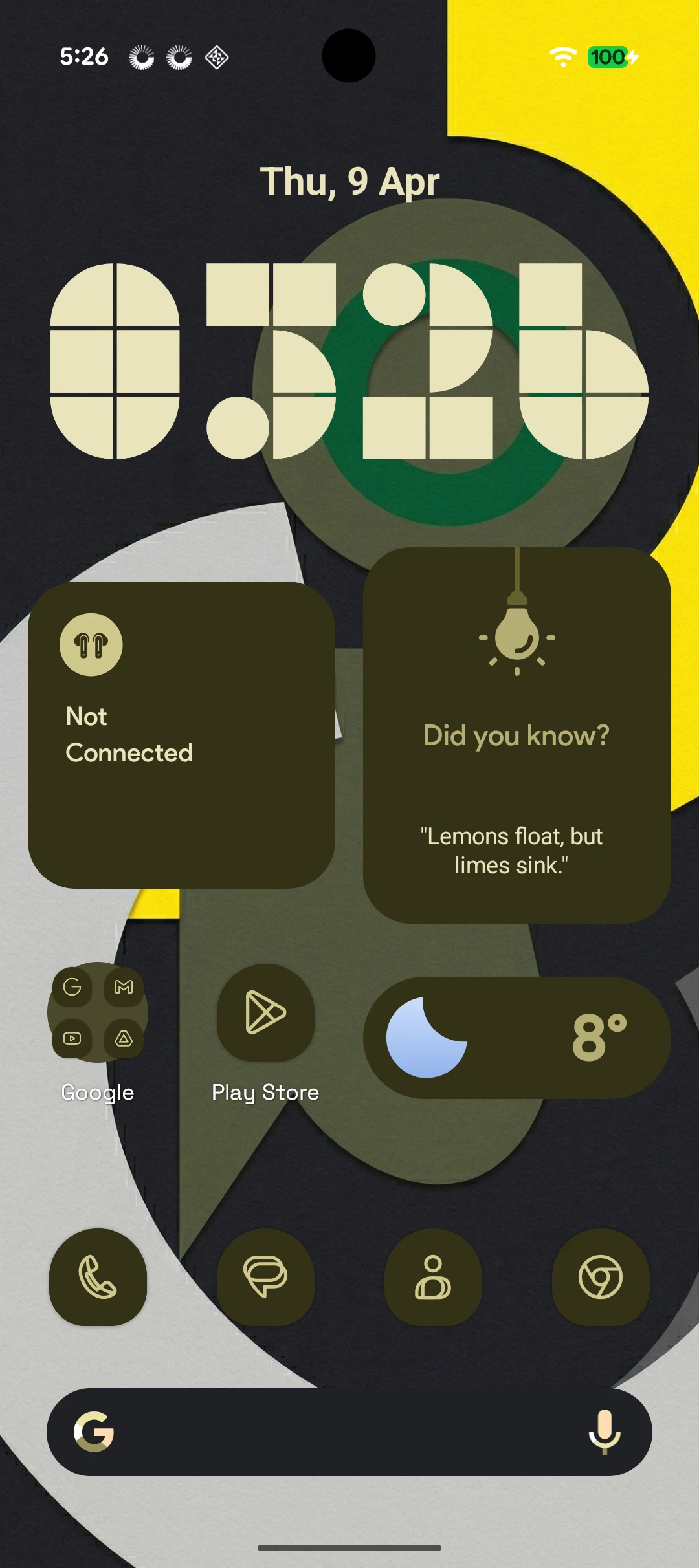
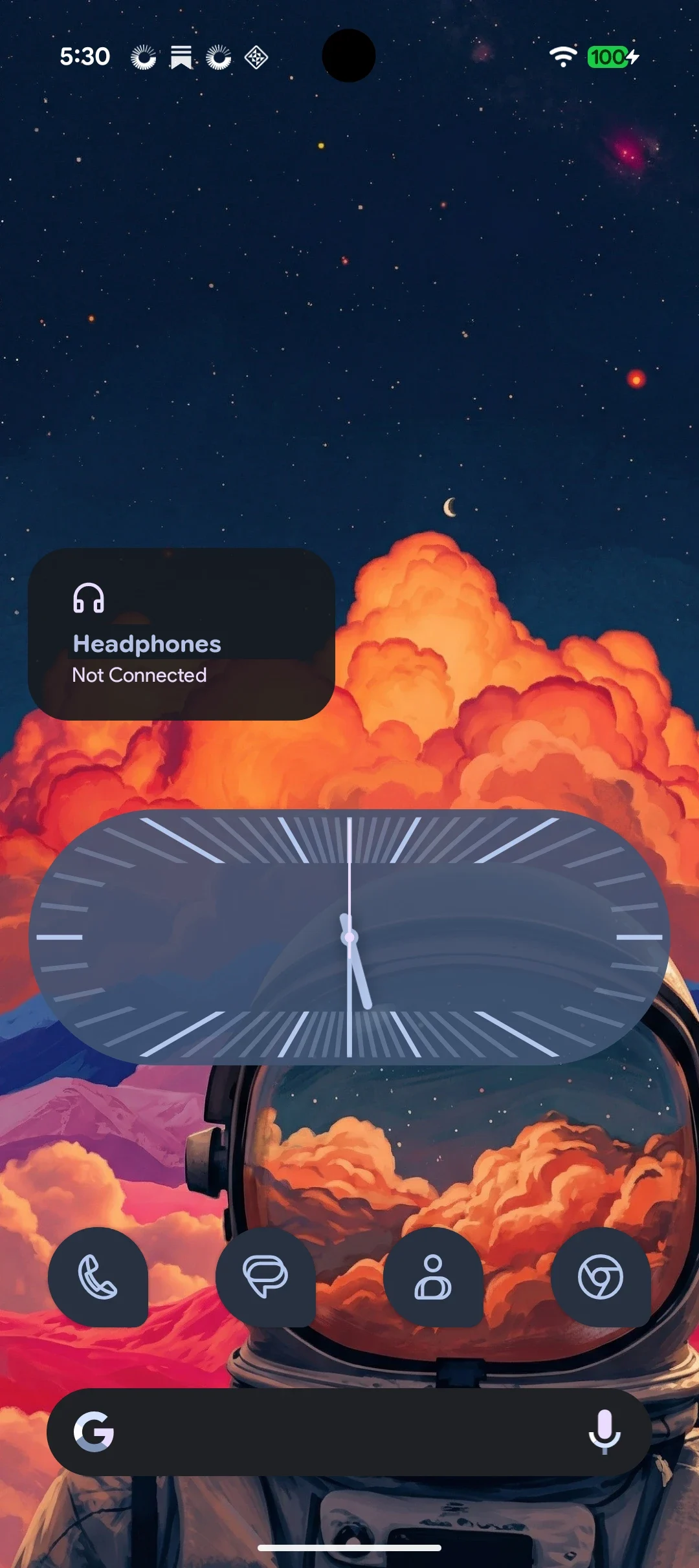
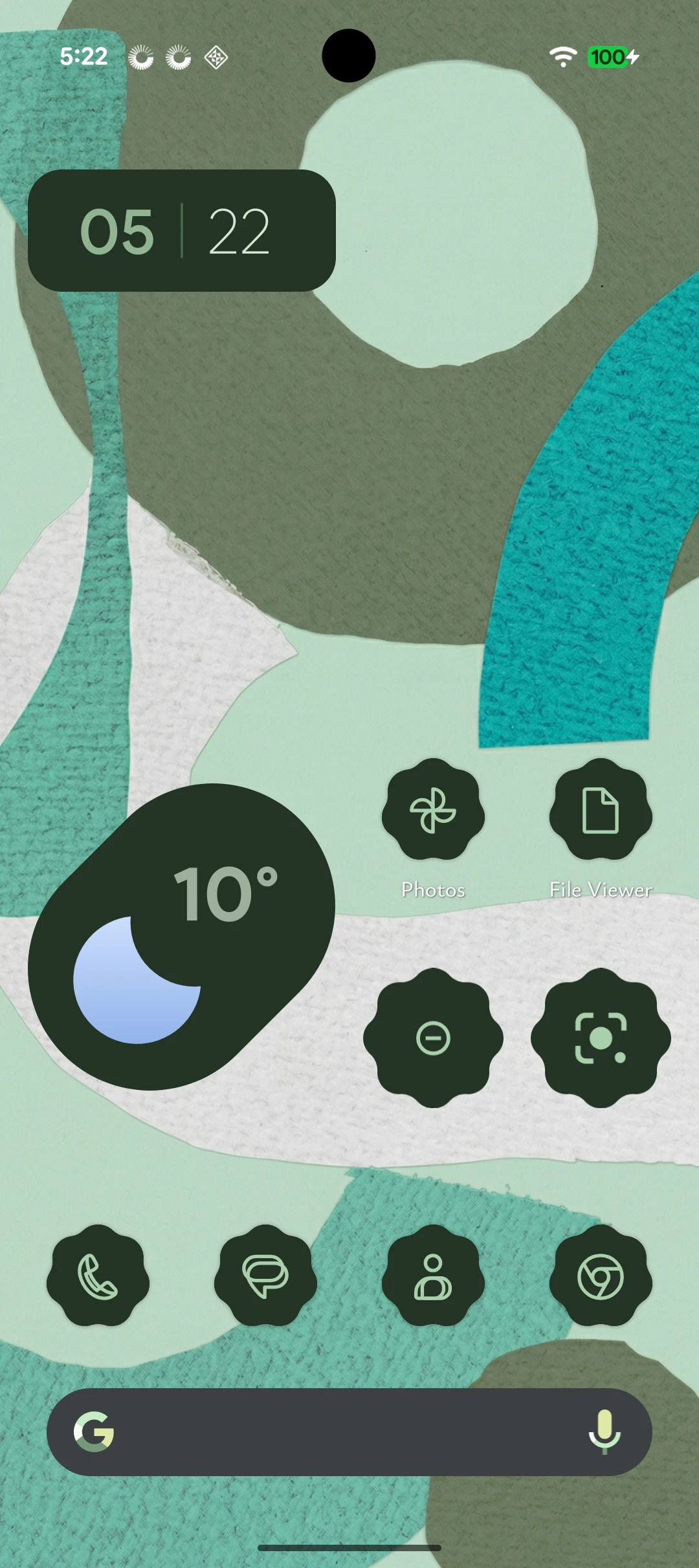
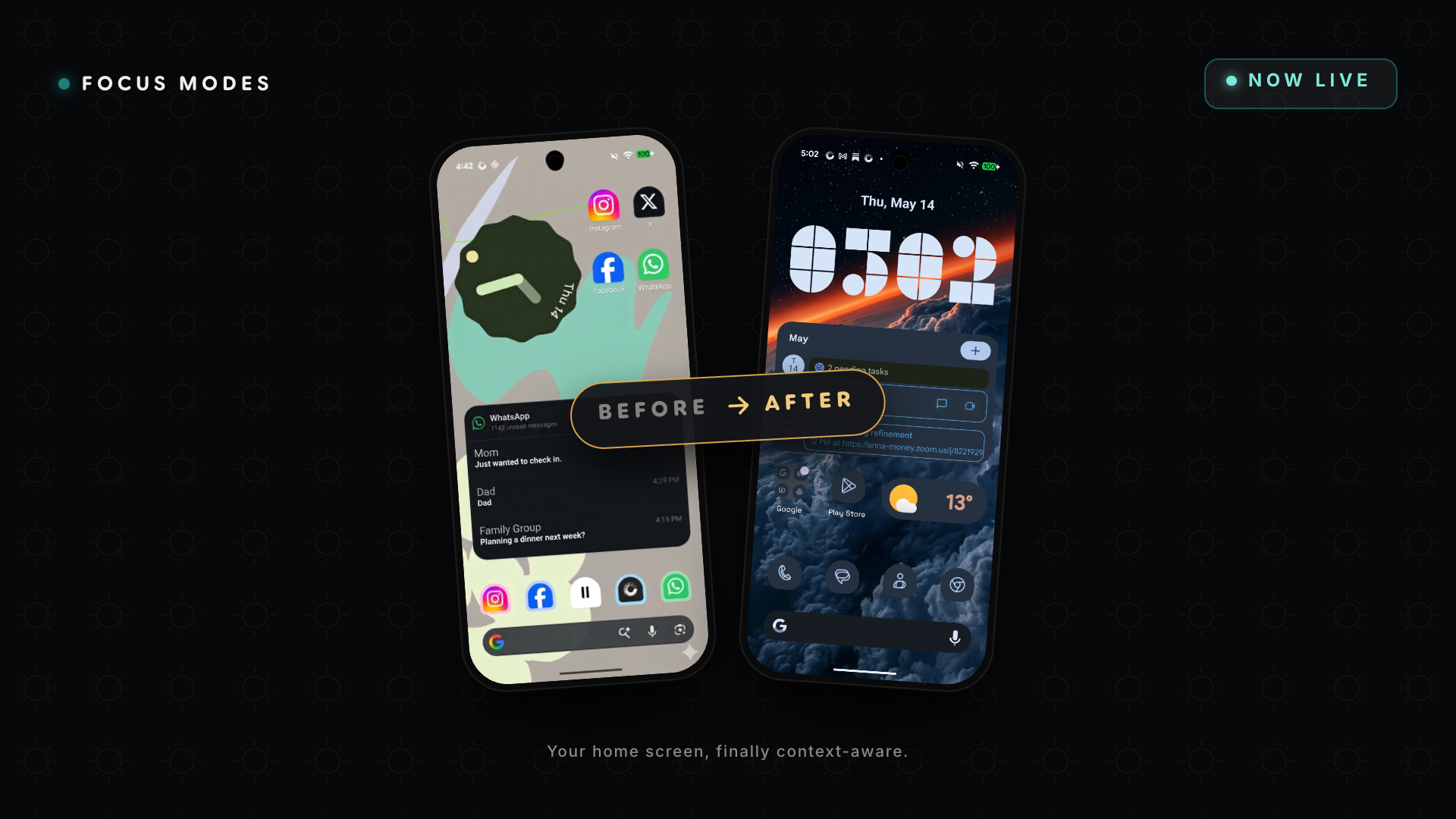
Same phone, one minute apart.
Every app you own, all the time. Or only the ones this part of the day needs.
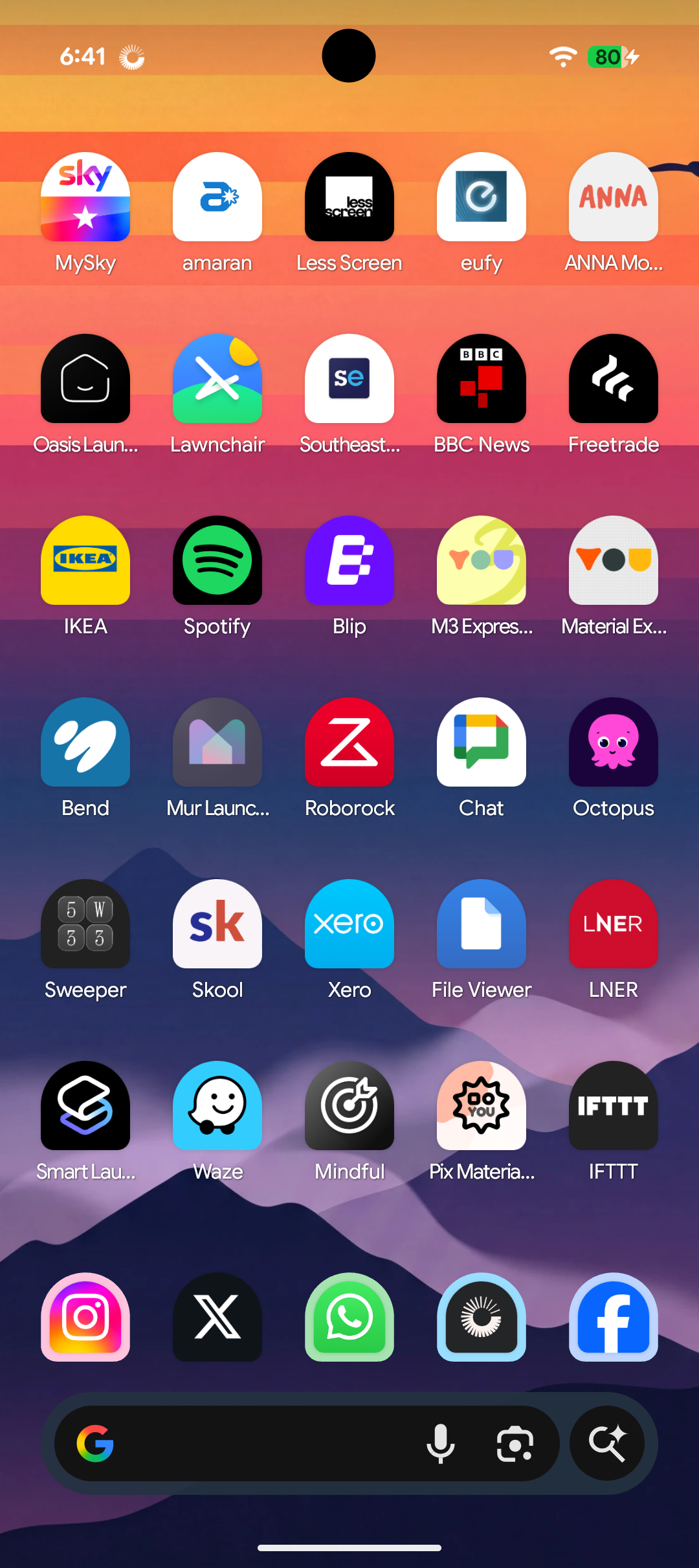
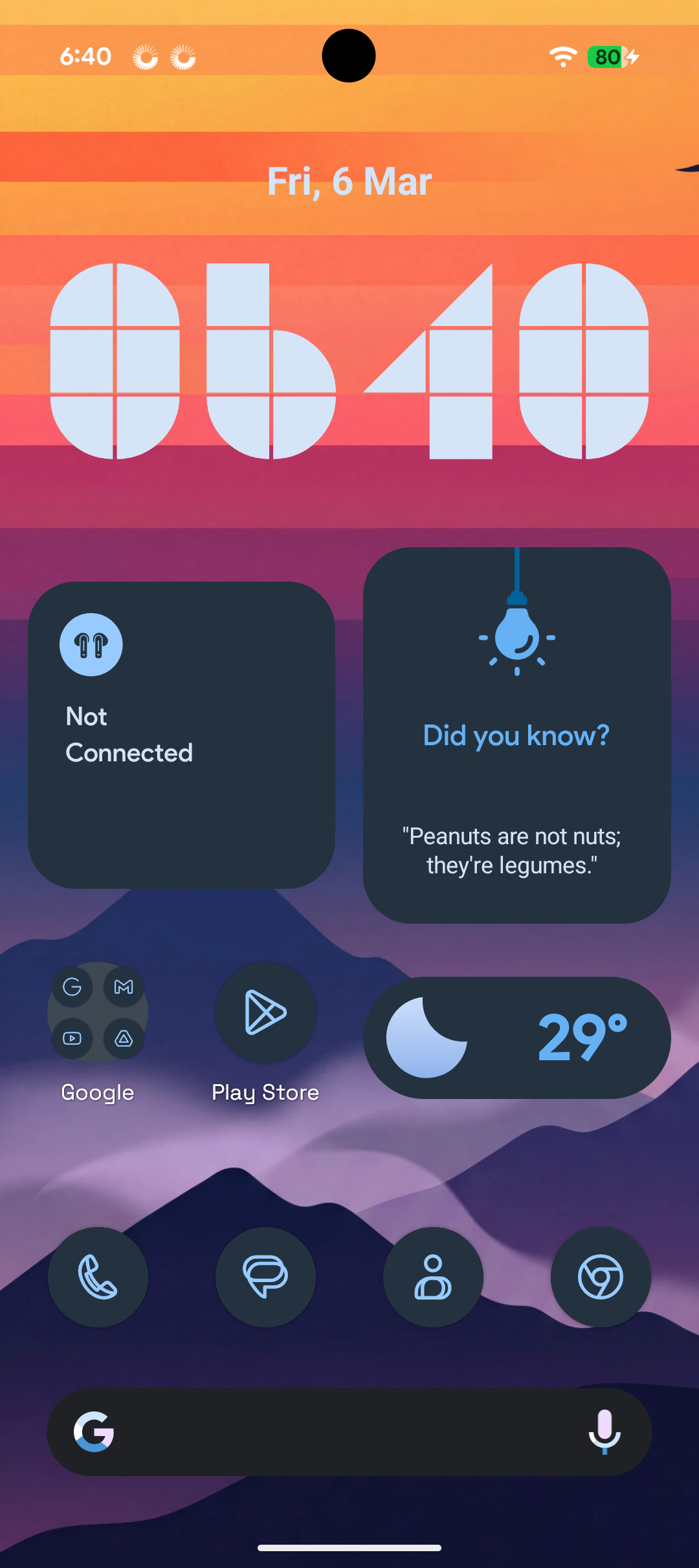
Each mode keeps its own
- Apps Only the ones this part of the day needs.
- Wallpaper and widgets So you know which mode you’re in at a glance.
- Notifications Who can reach you, and what waits until the mode ends.
- Distractions Apps that show “Take a break” instead of opening.
Start from a template like Work, Sleep or Study, build your own from scratch, or share a mode with a friend.
Switching
Tell it once. It switches by itself.
A mode can start at a set time, when you arrive somewhere, or when you open an app. You can still switch by hand whenever you like.
- Time and date Weekdays, 9 to 5
- Location When I arrive at work
- App When I open Books
Distractions
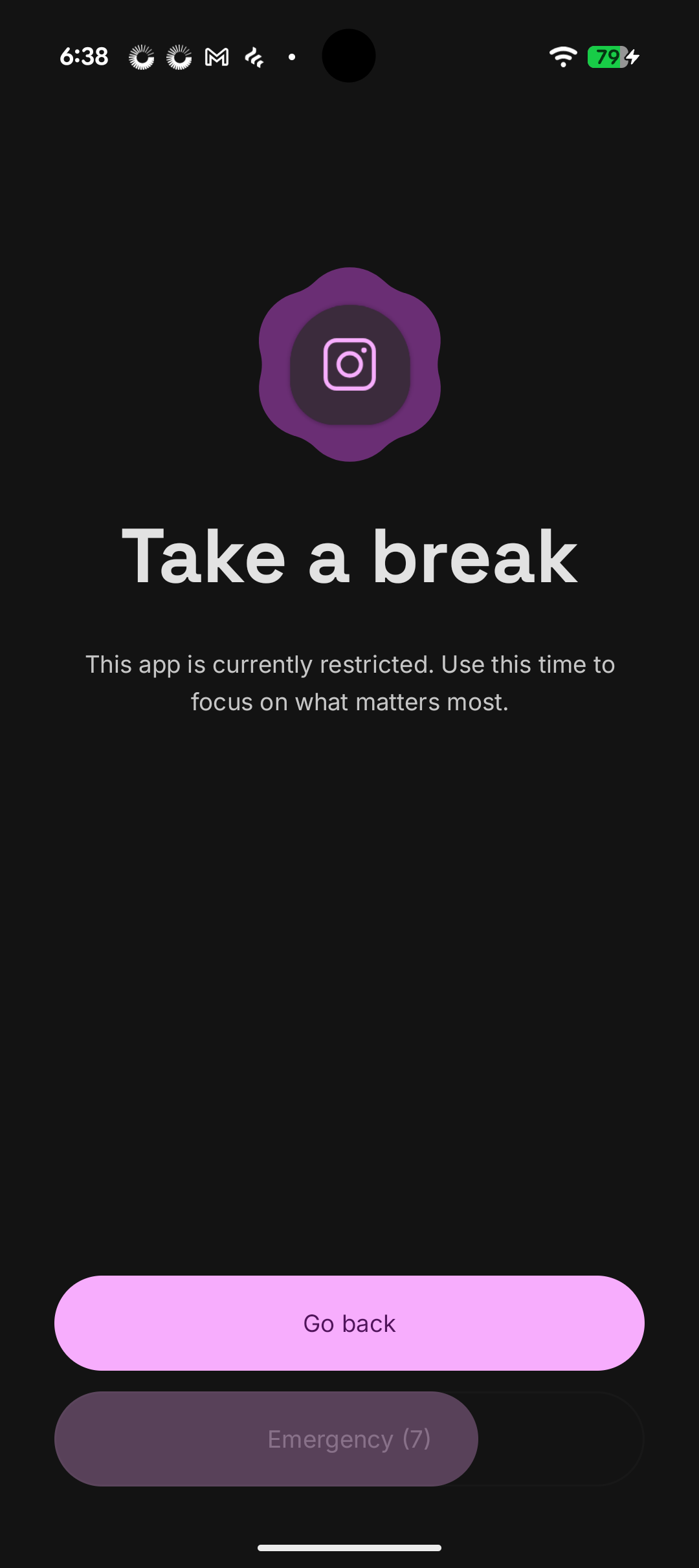
Open an app this mode set aside,
and you see this instead.
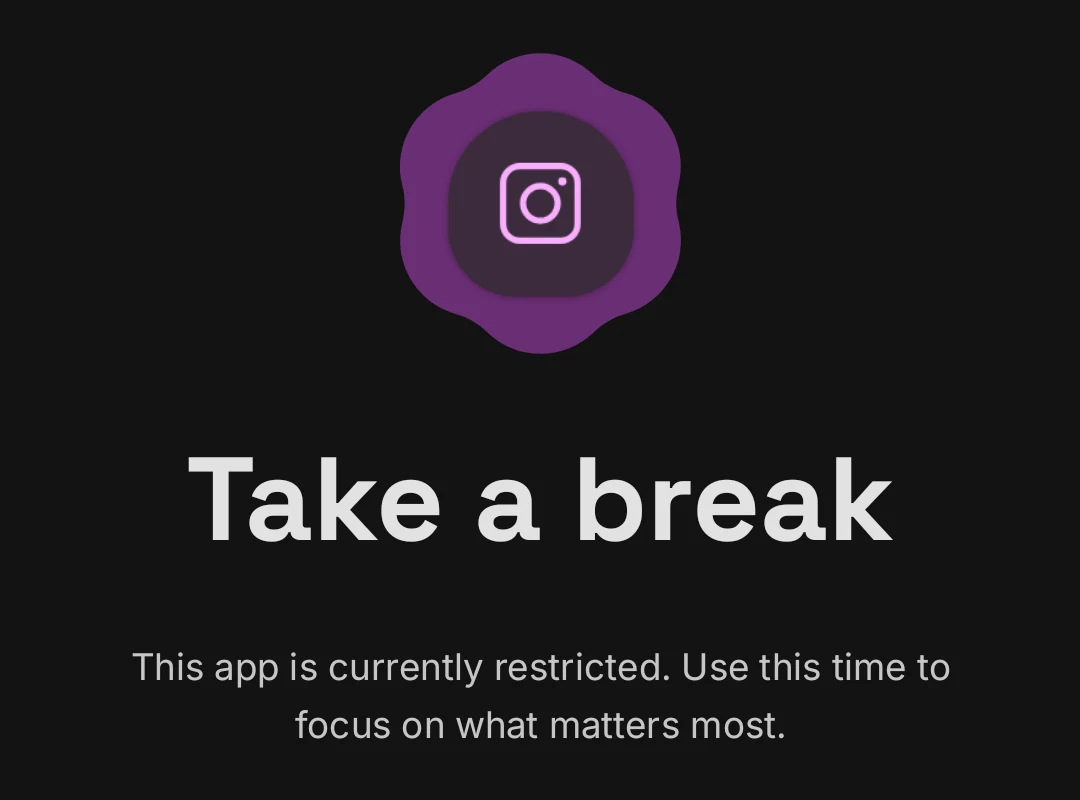
- Go back One tap takes you back. Most of the time, that’s all it takes.
- Emergency (7) Really need to get out? Wait out a short countdown and the mode turns off.
- Strict mode No pausing and no turning it off until the mode ends. For the days you need more than a nudge.
News
From the blog
Runs entirely on your phone
No account. No ads. No trackers.
Your modes, schedules and places never leave your phone, and you can export, reset or delete all of it in a tap. Focus Modes is free to install, and an optional subscription keeps it going.
Get it on Google Play